new release

SDS2 2027

DOWNLOAD NOW Book Demo

Save time and get more done in SDS2 2027

SDS2 2027 gives your team powerful tools that boost productivity, save time, and reduce manual work across every workflow. Access project information and get help without interrupting your workflow, making everyday work more productive. Save time by keeping drawings aligned as the model changes, reducing cleanup and protecting completed work. Add more automation and control across modeling, connection design, and review, helping lower the manual effort and costs behind each project.


WHAT'S NEW IN SDS2 2027

Easier Access to Model Intelligence

Work more productively by finding project information up to 5× faster and immediate chat-based help.

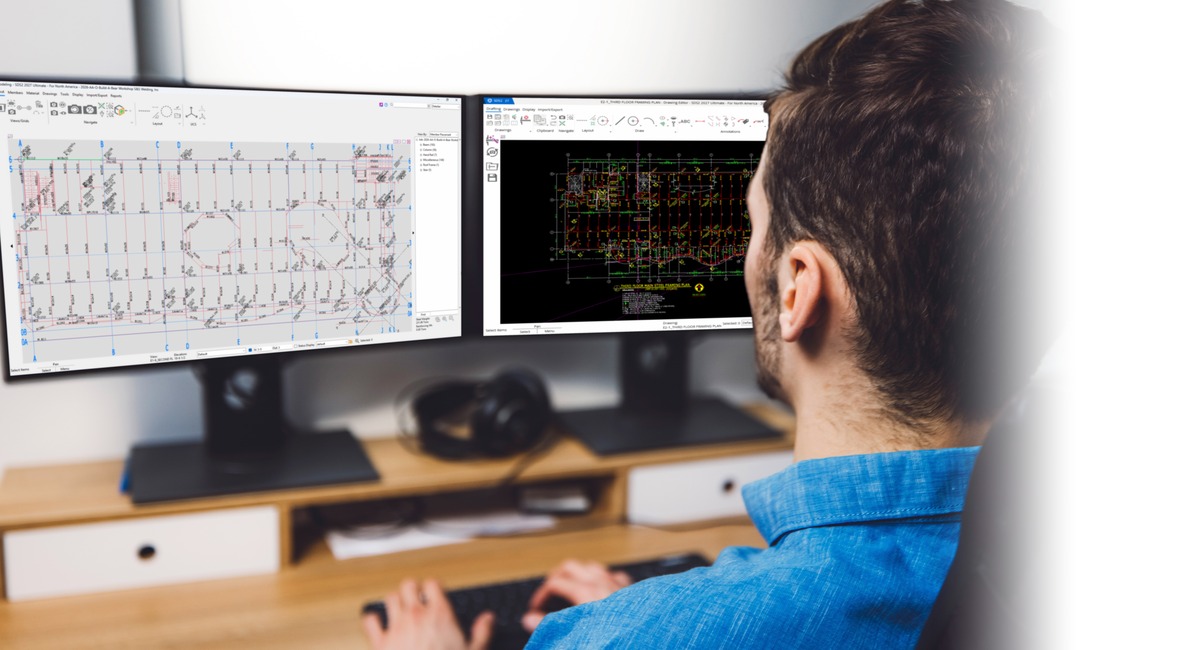
Get answers from your model and support with SDS2 at the moment you need them. Ask questions to explore project information, create reports, and keep work moving without interruption.

Faster Drawing Workflows 

Save time by reducing drawing cleanup and avoiding lost work when model changes occur.

Reduce cleanup and avoid lost work when model changes occur. Keep drawings aligned with the model while giving detailers more control over presentation, member labels, and clipped areas.

More Efficient model Workflows

Save money by reducing manual modeling and connection design time, calculation costs, and the time engineers spend reviewing connection design packages.

Bring more automation and control to modeling, connection design, and review. Handle more design and modeling work in the software, bring related connections together for review, and prepare model data for downstream work with less effort.
New Features in SDS2 2027

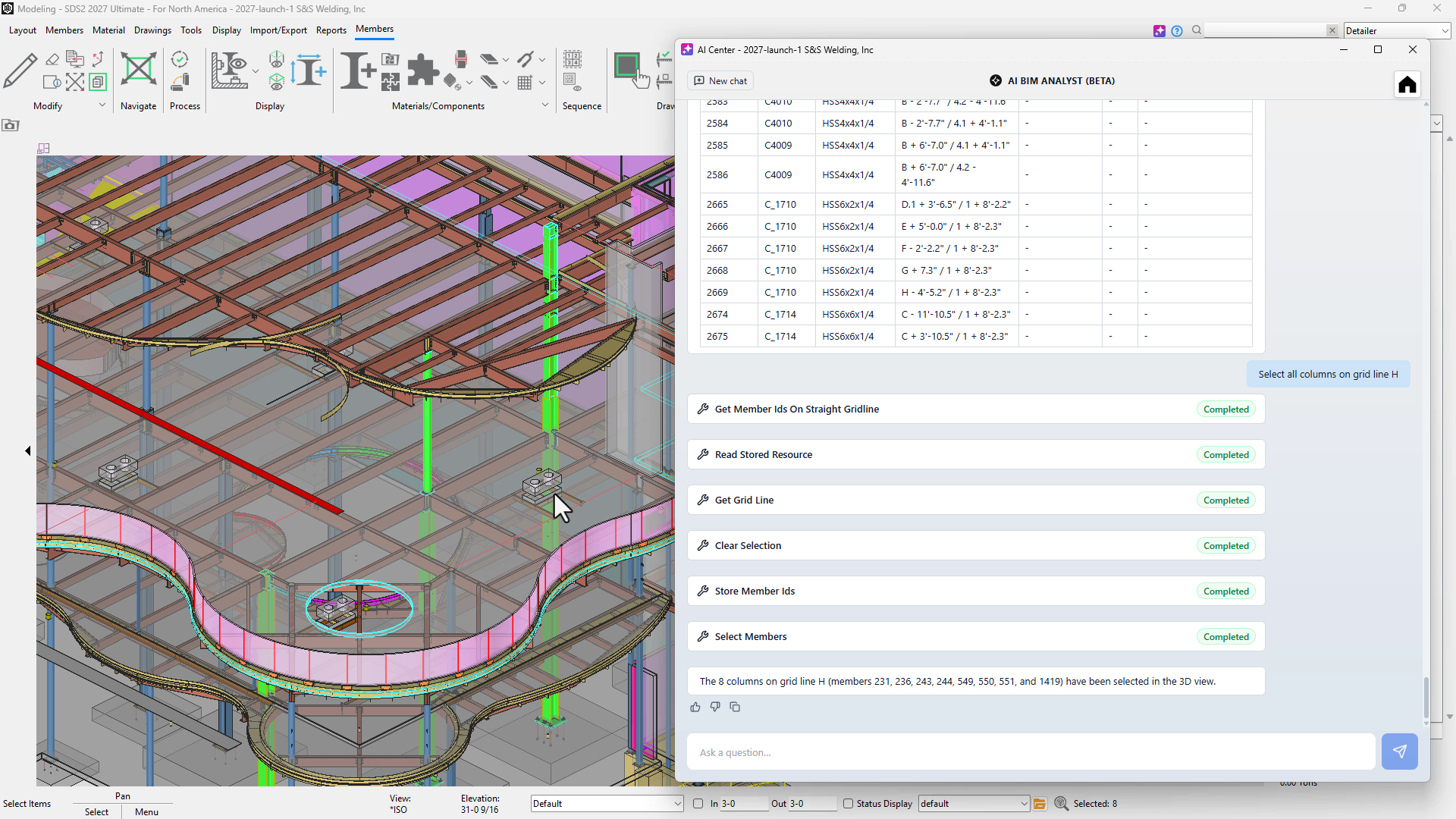
The AI BIM Analyst lets you query model data, select specific objects, and generate complex reports using natural language prompting via MCP server. Find and report project information up to 5x faster. 

Watch here

#BASIC #DRAFTING #MODELING #ULTIMATE

AI Coach lets users ask questions in chat about how to complete a task or what a feature means. Drawing on SDS2 Help documentation, it delivers answers directly inside the software—helping teams get immediate assistance, shorten onboarding and formal training time, and reduce support tickets.

Watch here

#BASIC #DRAFTING #MODELING #ULTIMATE


AI Drafter uses AI to place labels without overlapping other labels or structural representations on drawings. It helps produce clearer, more readable drawings while saving an estimated 30% of drawing-cleanup time. 

Watch here

#DRAFTING #ULTIMATE

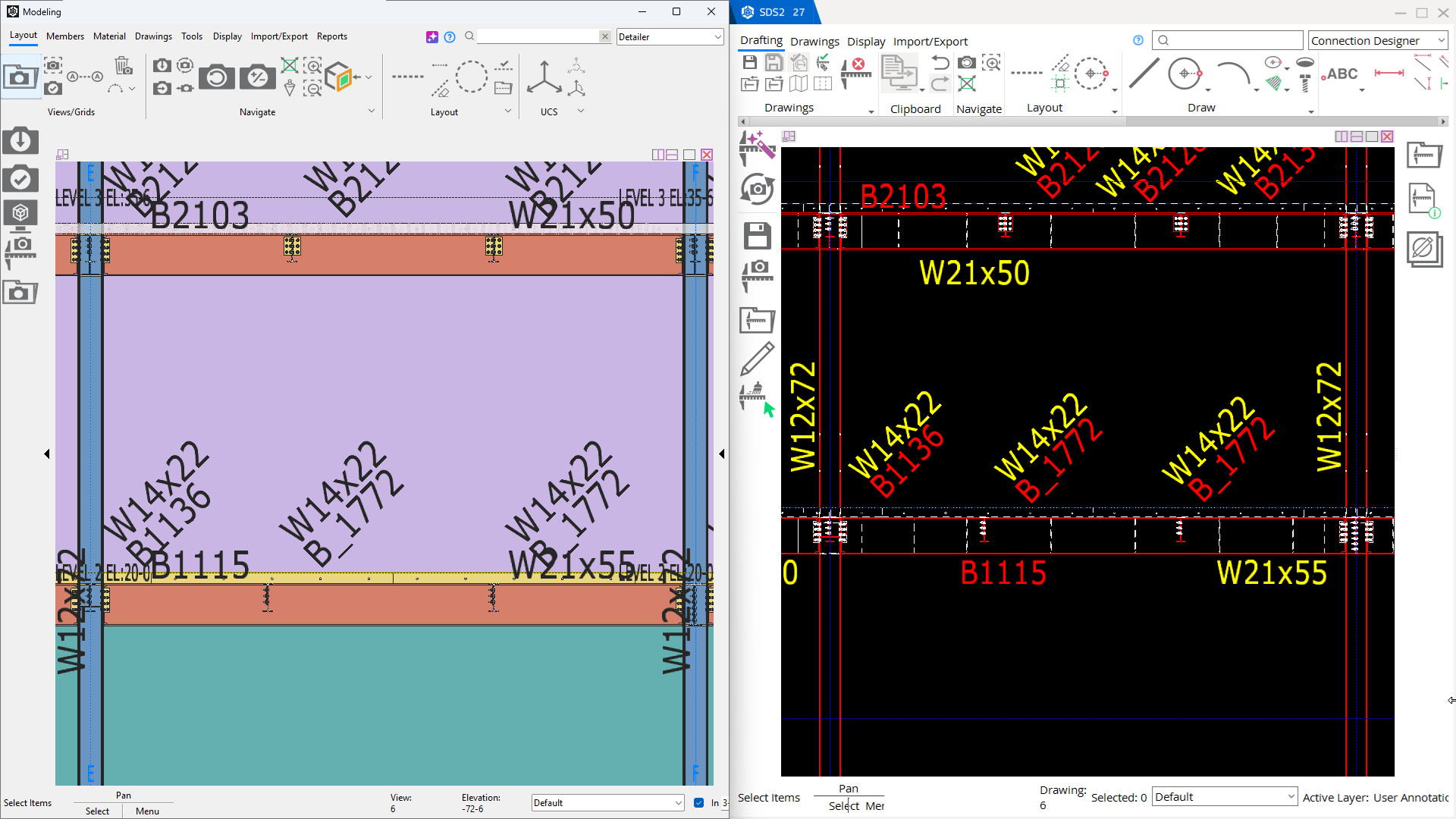
Model Synced Erection Drawings keep erection drawings aligned with model changes without requiring regeneration. Save an estimated 20–50% of drawing-cleanup time while preserving completed drawing work. 

Watch here

#DRAFTING #ULTIMATE

Member Label enhancements give you greater control over the default labels shown on erection drawings. Quickly choose which member labels appear, reduce manual adjustments, and save time while creating clearer, more productive drawing workflows.

Watch here

#DRAFTING #ULTIMATE

Enhancements to the Member Labels give you more control over default labels on erection drawings, helping you set which member labels to show with less manual adjustment.

Watch here

#DRAFTING #ULTIMATE

Direct Welded Connection Design automatically designs directly welded beam-to-beam and beam-to-column connections according to your selected connection design code. Reduce manual design time and calculation costs to help your team save time and money. 

Watch here

#MODELING #ULTIMATE

Advanced Connection Group Reporting gives engineers a clear, project-wide view of related connections during design-package reviews. Detailed Excel reports make it easier to review connection design packages efficiently, saving time and helping reduce project costs. 

Watch here

#BASIC #DRAFTING #MODELING #ULTIMATE

Handrail enhancements support varied finished-floor distances for sloped handrail and automatically apply backing material for grab-bar supports. Reduce manual modeling and modifications to save time and help prevent errors.

Watch here

#MODELING #ULTIMATE

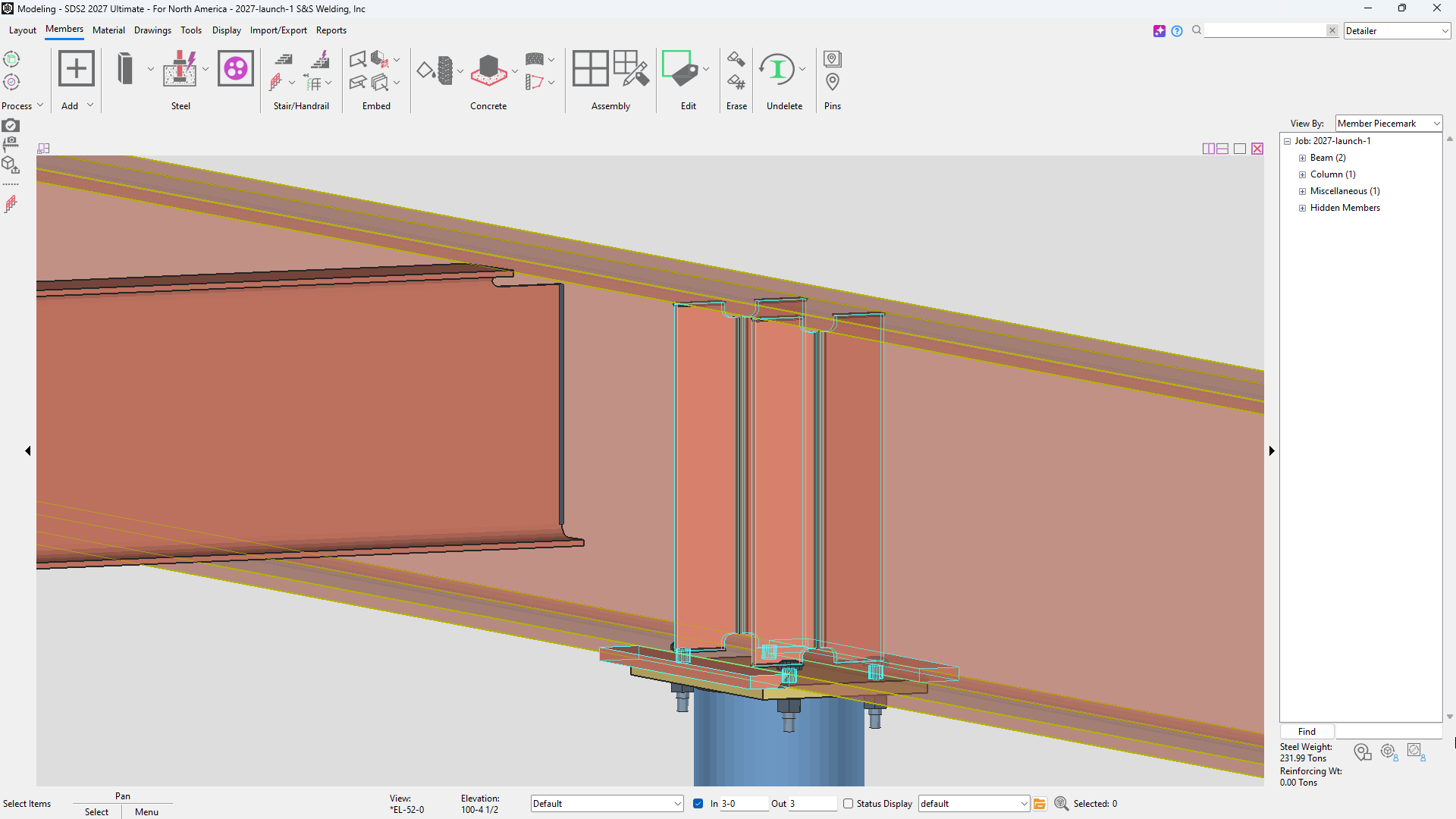
Enhancements to connection plates give you more control over connection-design defaults. These options reduce manual connection adjustments and rework, helping save time and lower costs.

  • Cope or clip any inner-flange plates
  • Choose whether to use flats for connection material
  • Round shear-plate widths to your preferred increment instead of the previous nearest ½-inch setting
  • Use non-CISC welds 

#MODELING #ULTIMATE


"If I had to tell a new user about the new release, I would tell them to drop what they’re doing, install it, and start using it as soon as it’s released."

Adam Williams
Affton Fabricating & Welding Co., Inc.


"Things are changing, and things are changing quickly. Often we’re getting revisions at the final hour. The new model syncing, being able to go in and just move an item up, move an item to the left or right, and that item automatically moves within the plan, is a huge time save. It’s got significant value."

Riley Bennett
Bennett Services


"It is the best version of SDS2 in this decade."

Vigneshkumar K
Aarbee Structures Pvt. Ltd.


"It will save me at least 30 to 50 percent on erection view cleanup.”

Luis Torres
NST